Color
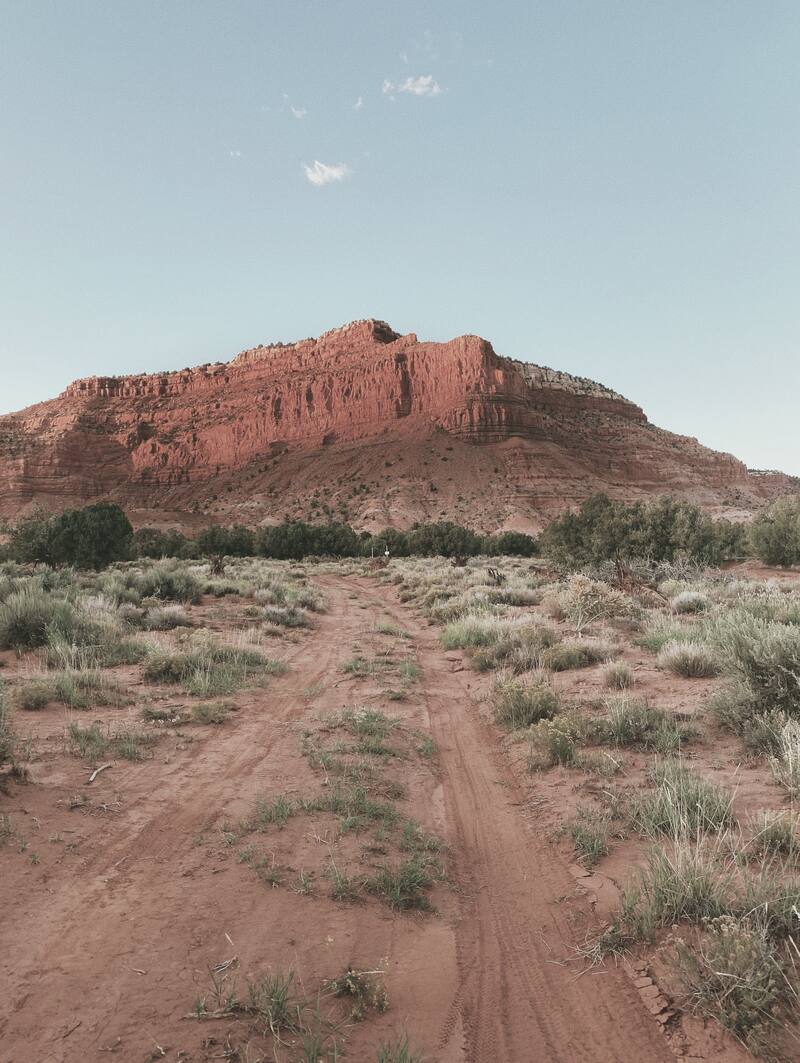
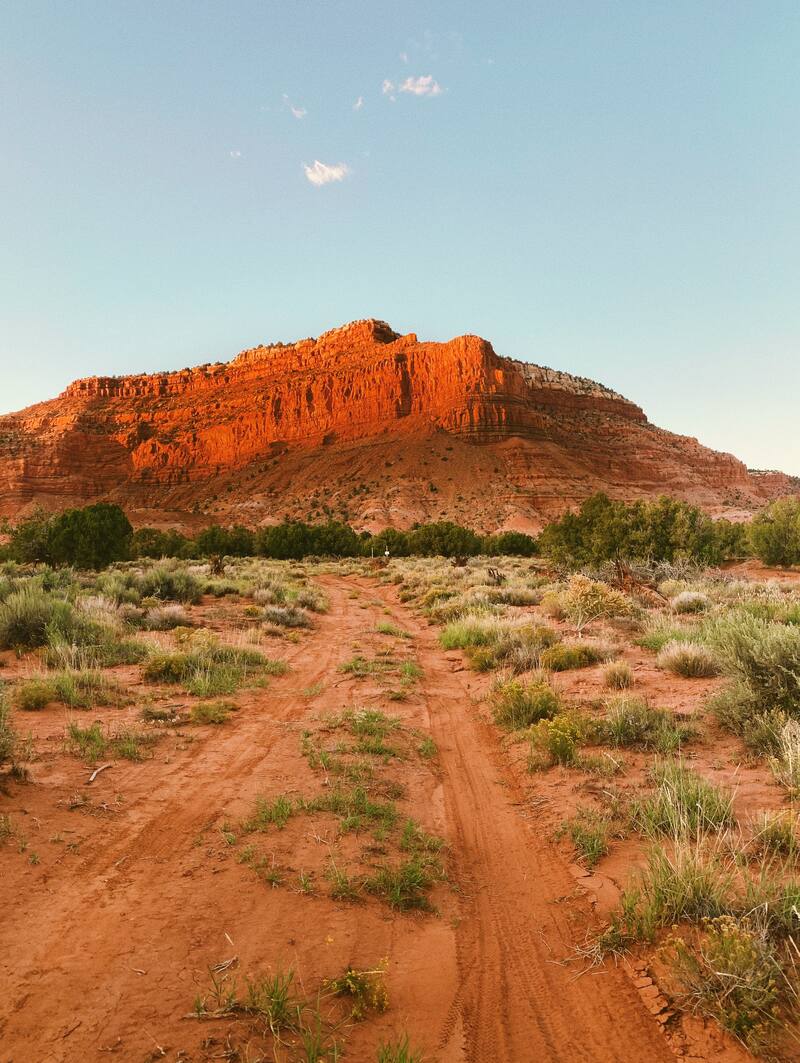
Set a neutral baseline. Match white balance to your light for true whites and accurate skin tones.
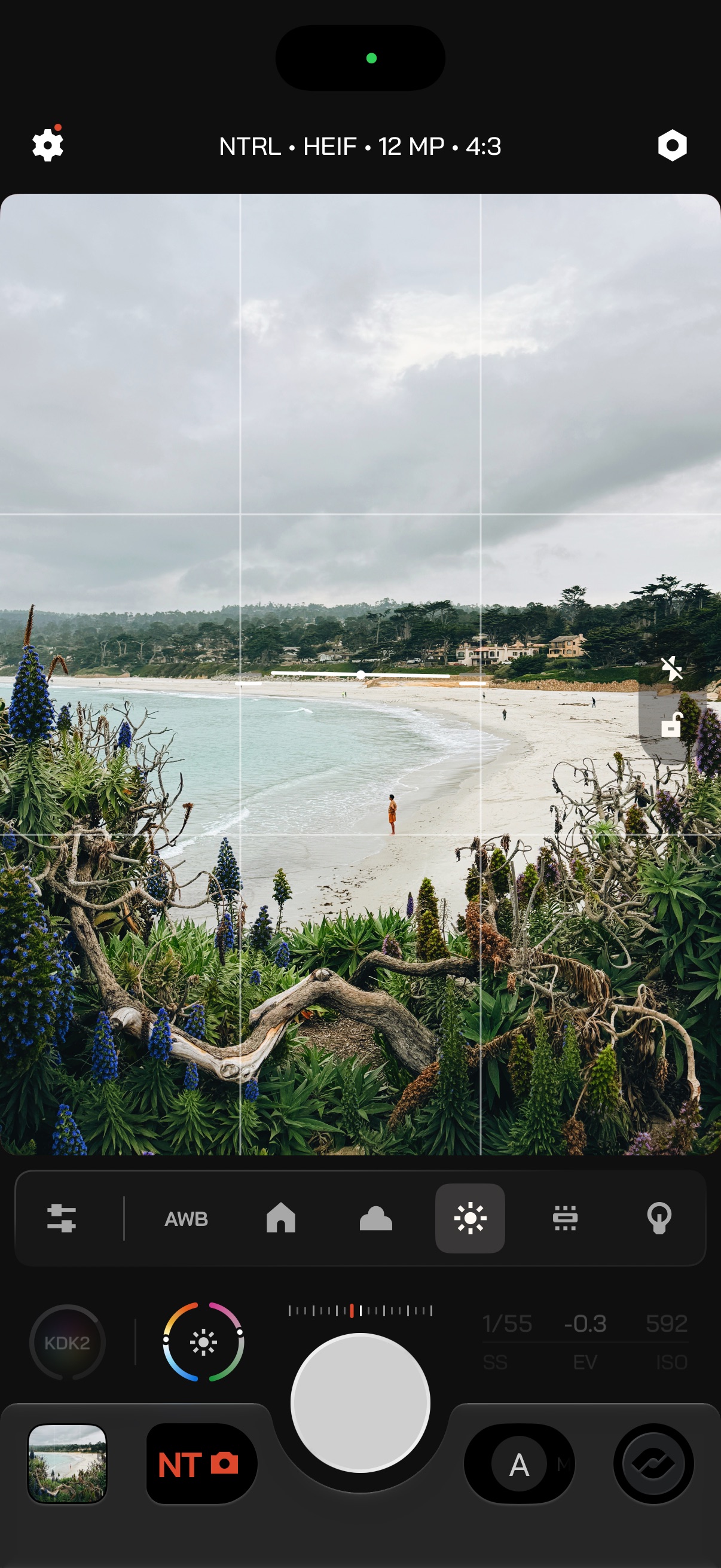
Match the camera's color temperature to the light in front of it. Pick a mode, then try it in the demo. Long-press the White Balance button to reset it to Auto.
- AutoMost situations
- The camera reads the scene and sets white balance for you.
- PresetsKnown light
- Start from a light source.
- ManualFull control
- Set Kelvin and Tint yourself.
 AWB
Auto and presets
Tap Color on the Action Plate to open the bar: Auto, then your presets. A sliders button opens Manual.
| Preset | Kelvin | Tint |
|---|---|---|
| Shade | 4500 K | +15 |
| Cloudy | 6500 K | +10 |
| Daylight | 5600 K | +10 |
| Fluorescent | 3200 K | 0 |
| Tungsten | 4000 K | +15 |