- 1
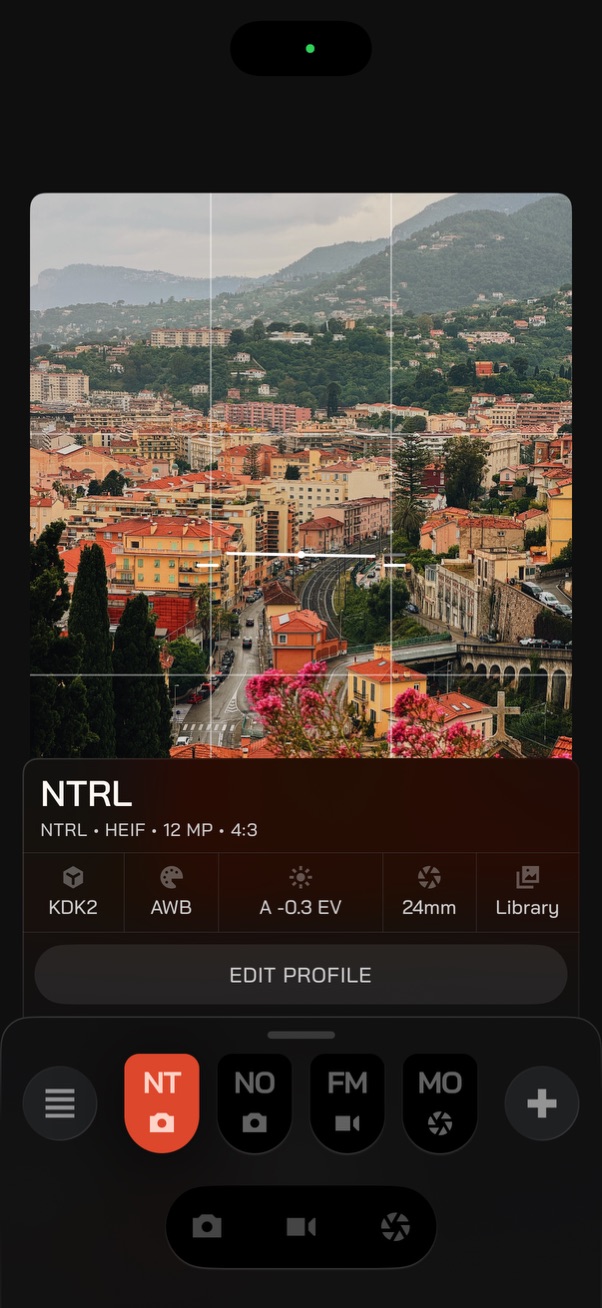
Active Profile
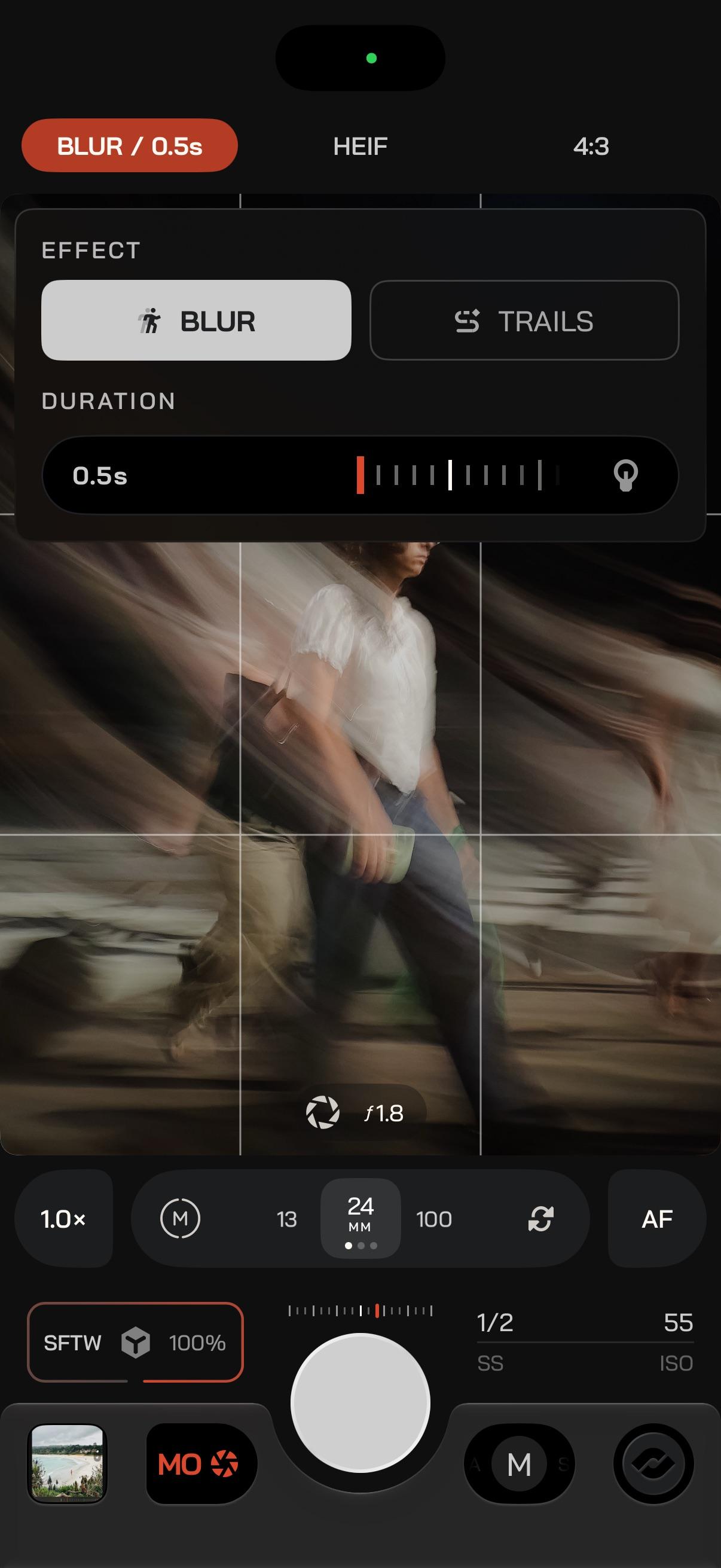
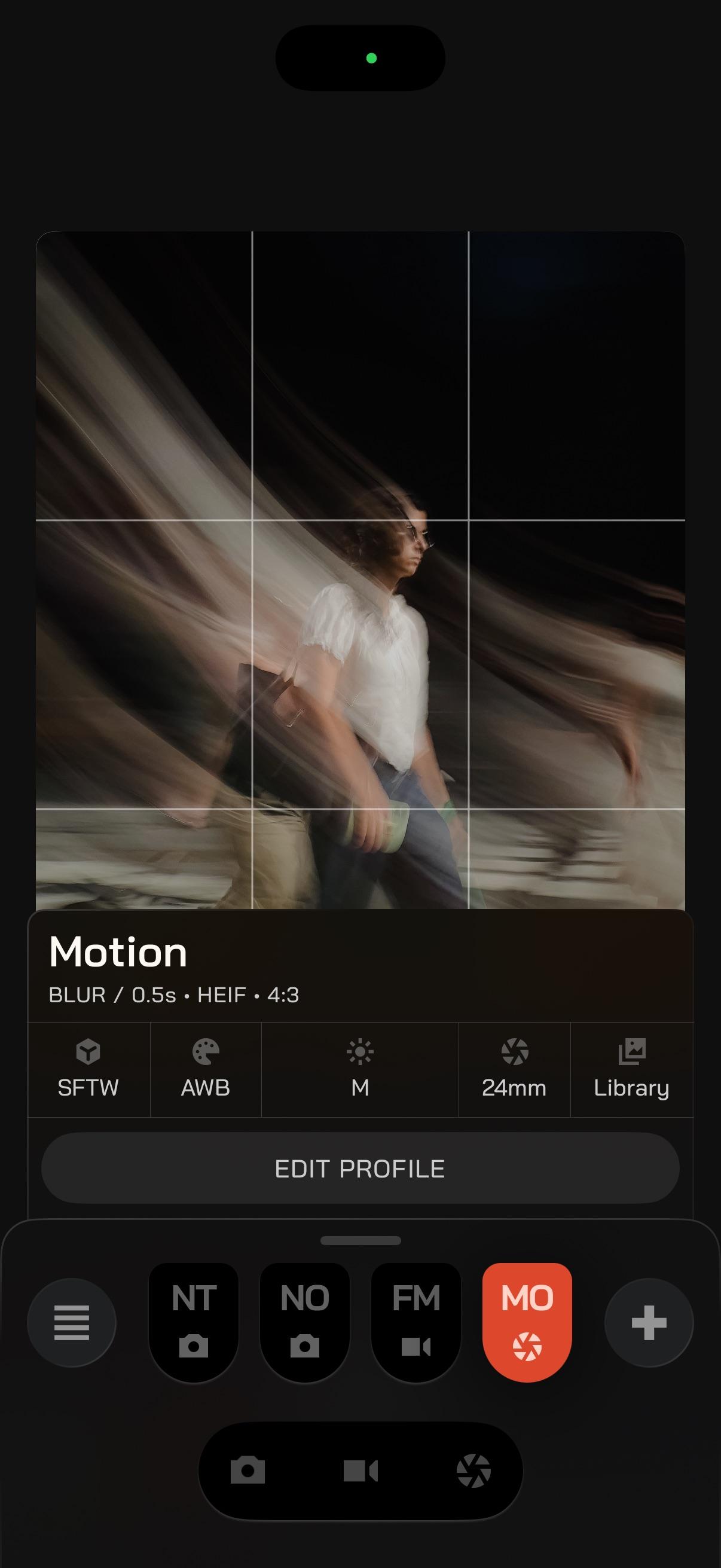
The Profile currently loaded. Its name and format sit above the plate so you always know what you are shooting with. - 2
Edit Profile
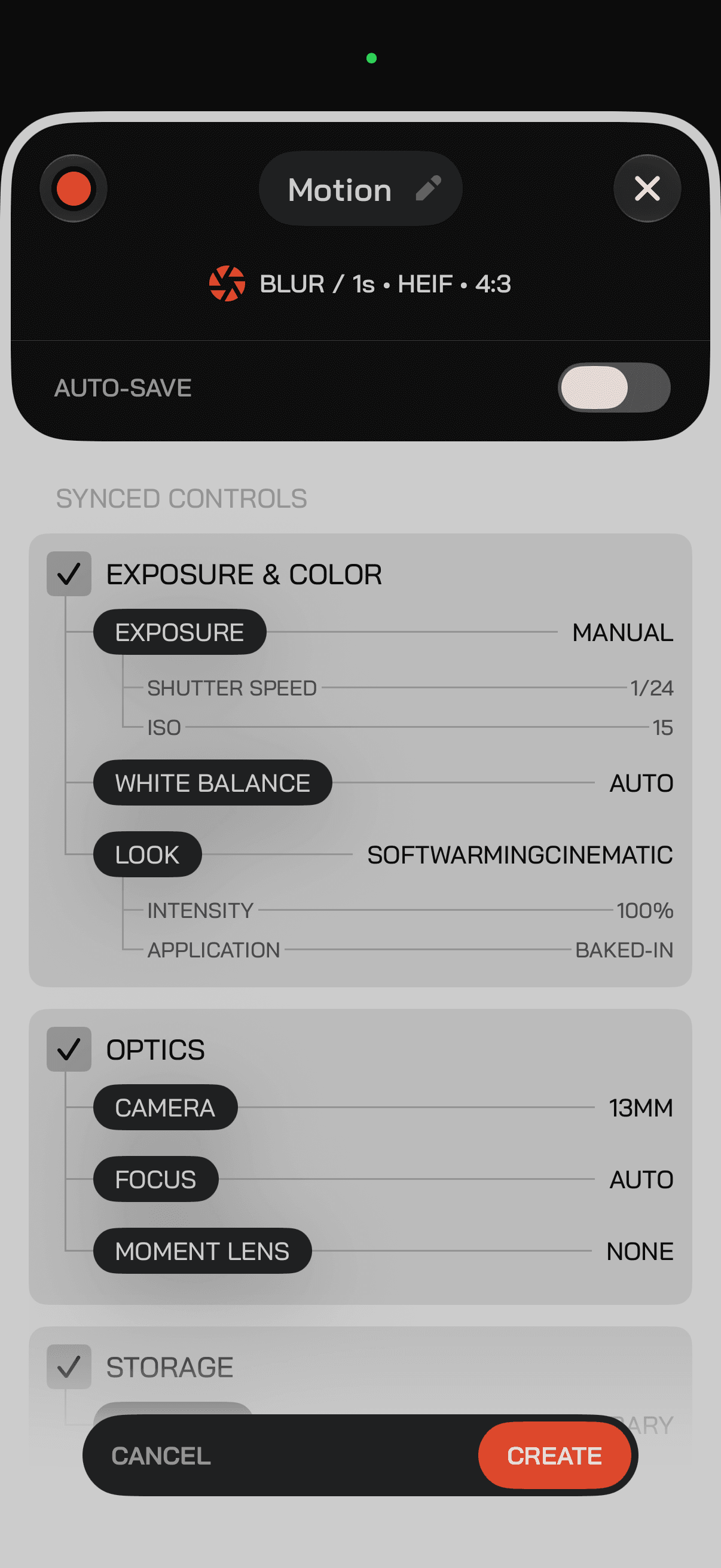
Opens the Profile so you can choose what syncs and what is saved. - 3
Save Changes
Edits stay pending until you save, unless that Profile is set to auto-save. - 4
Profile Browse
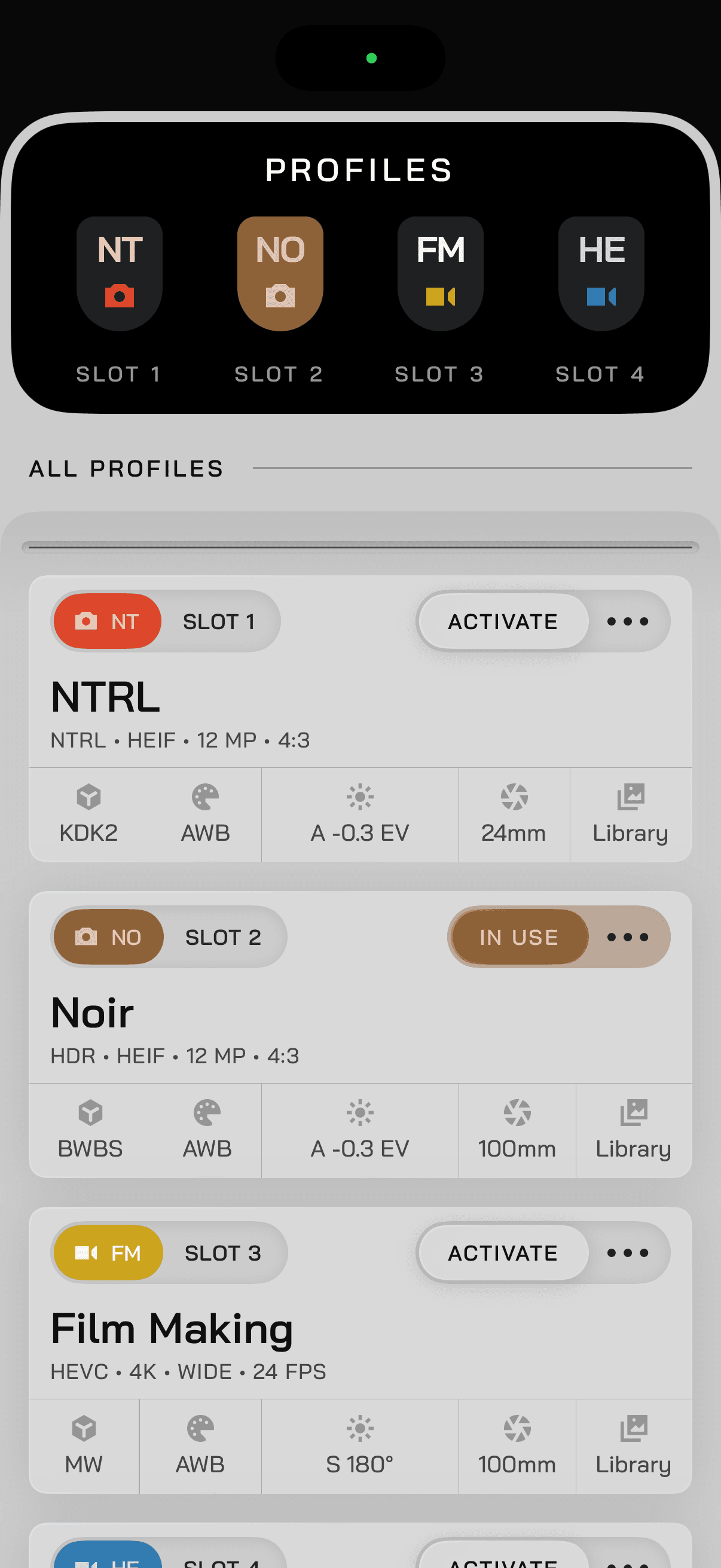
Store more than four Profiles, organize them, and assign favorites to quick slots. - 5
Quick Slots
Up to four Profiles on the plate for one-tap recall. - 6
Profile Create
Tap an empty quick slot or the + to create a Profile from your camera's current settings. - 7
Mode Selectors
Photo, video, and slow shutter. Keep the default Modes as casual, less opinionated setups, and put the opinionated ones in Profiles.